



 Rider
 Driver
 Stays
 Food
 Market
 Web
01
Download & Open
Get the Swift app from the App Store or Google Play. Open it and tap "Get Started" to begin your account setup.

Getting a ride with Swift is fast, transparent, and completely in your control. Here's exactly how it all works — from first tap to final destination.
Get the Swift app from the App Store or Google Play. Open it and tap "Get Started" to begin your account setup.
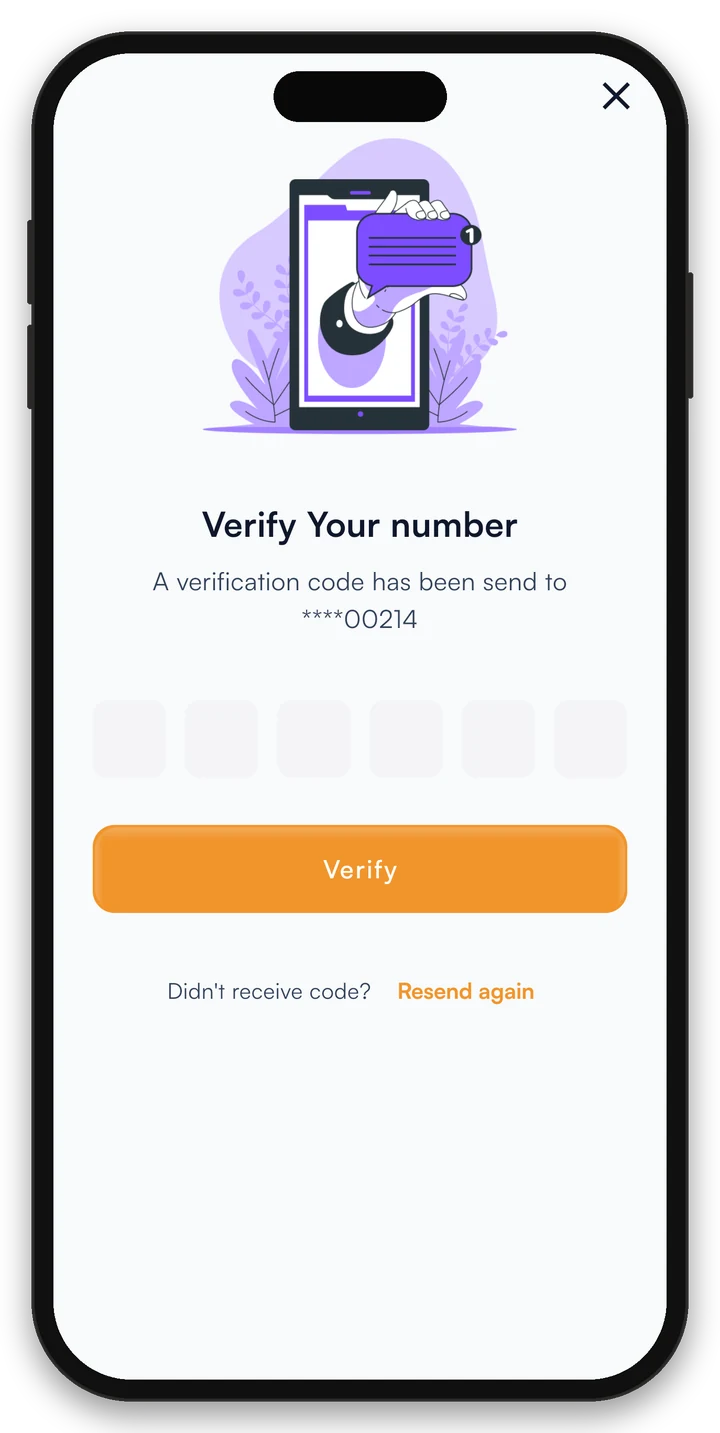
We'll send a one-time code to your phone. Enter it to confirm your identity - fast, secure, no passwords to remember.
Your profile is created and ready. You'll receive a welcome bonus credit on your first ride. Start exploring the app!
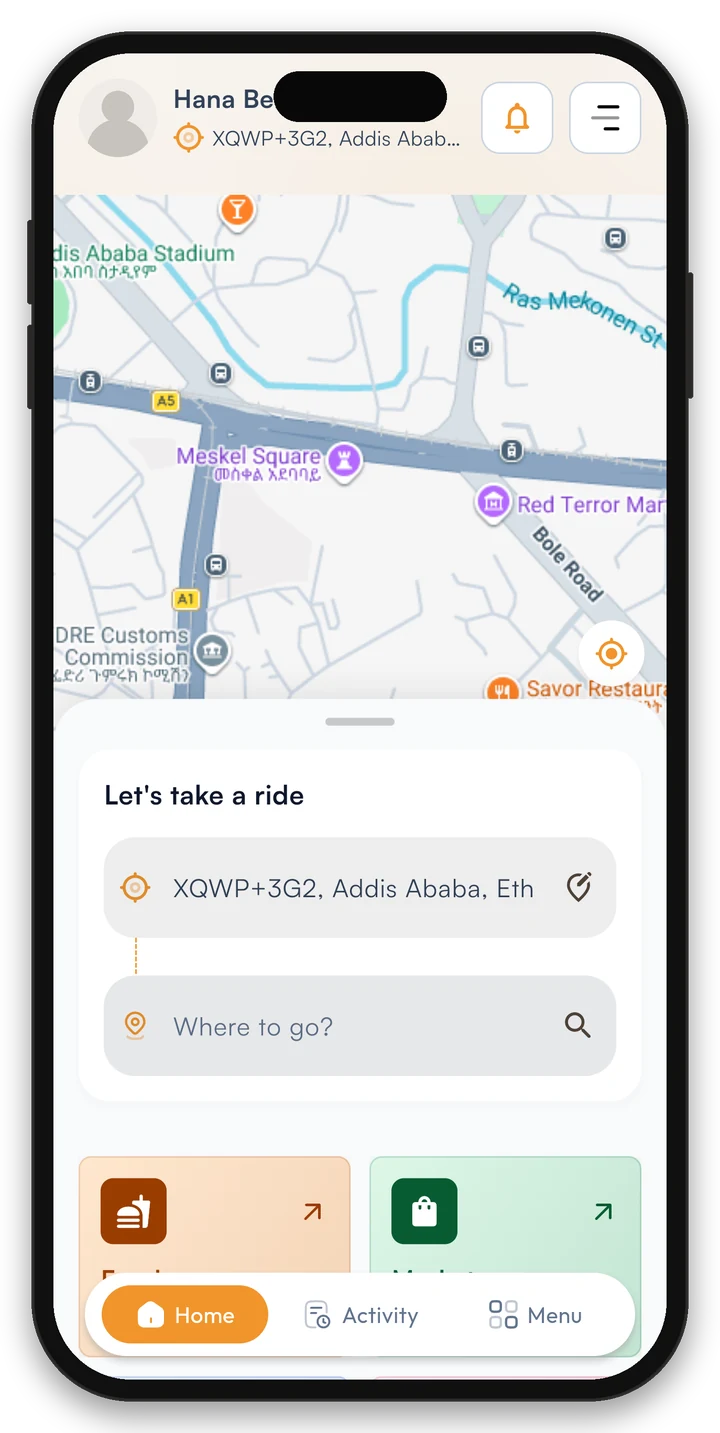
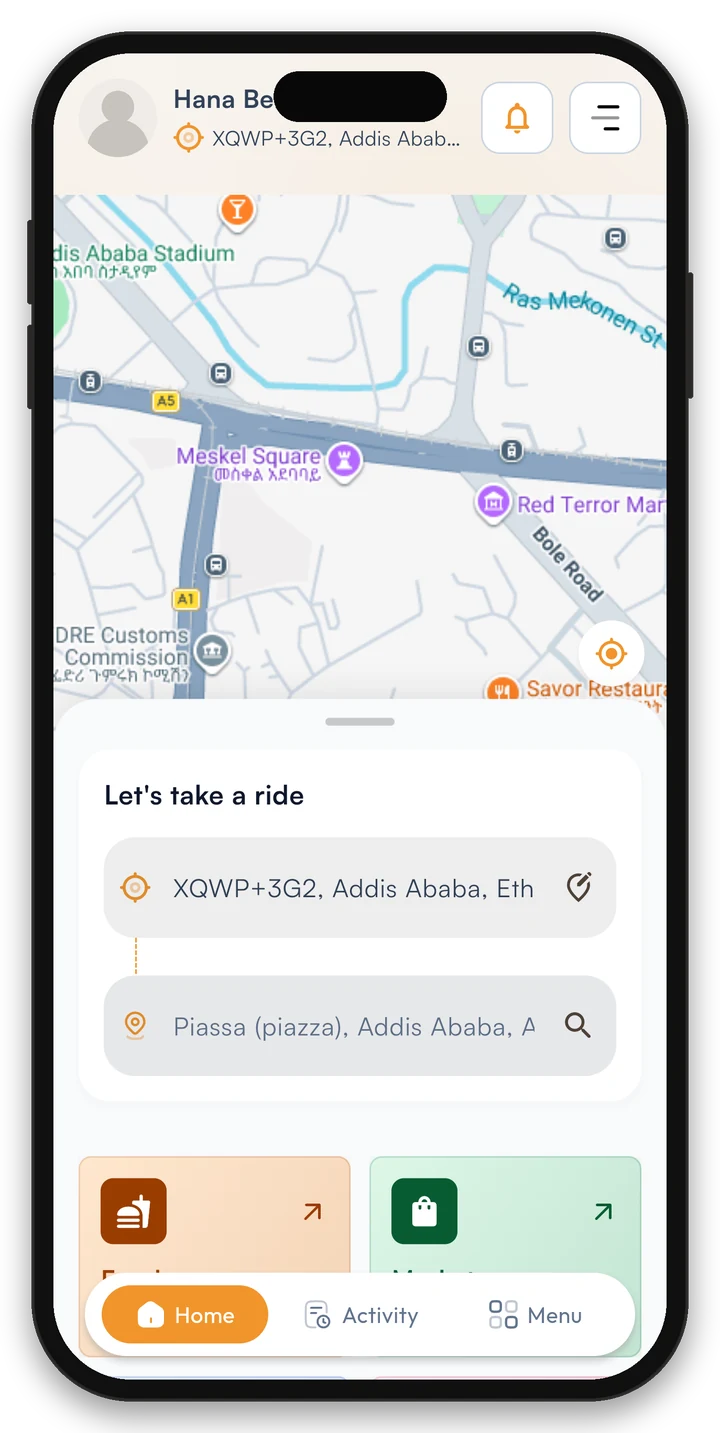
Tap on the map or search an address. Swift auto-detects your location for instant pickup.
Pick from cars, bikes, SUVs, or trucks — whichever fits your trip and budget perfectly.
 Bike
 SUV
 Car
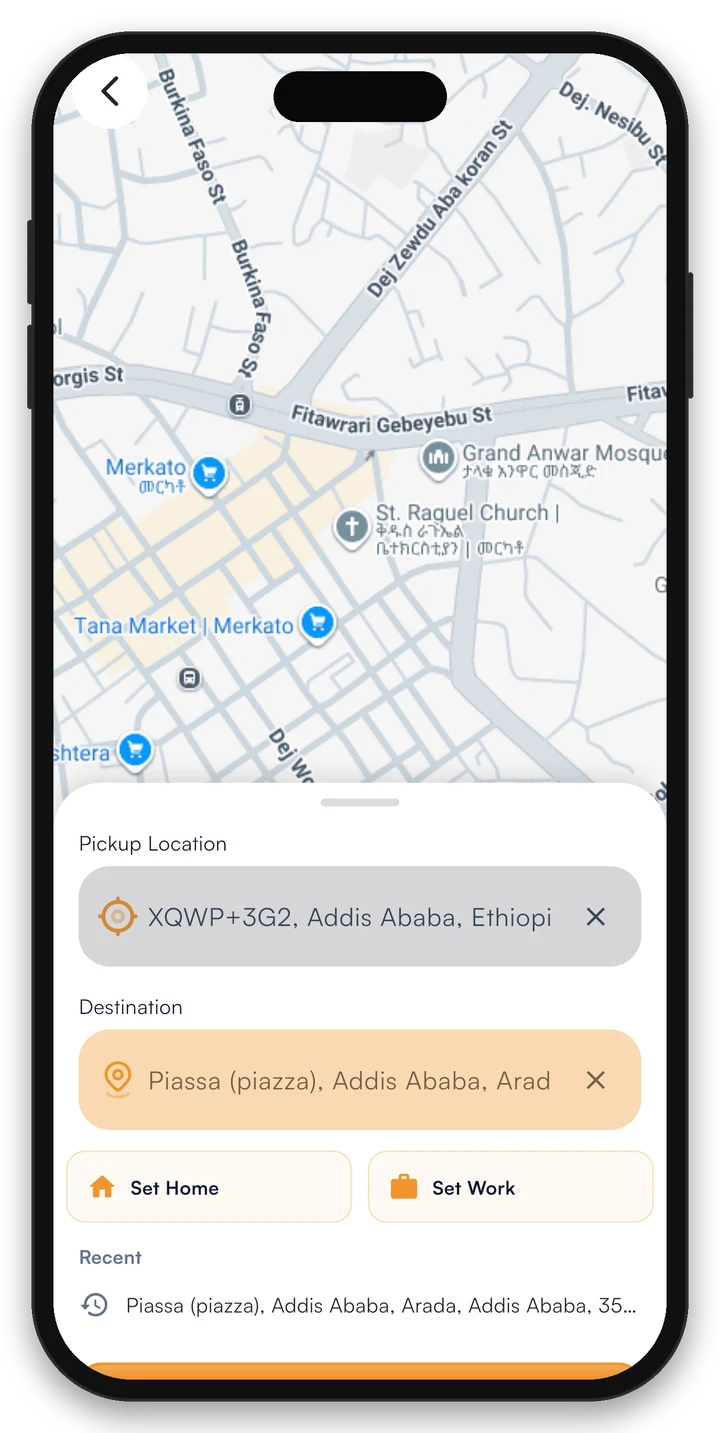
Nearby drivers see your request instantly and send offers. Compare price, rating and arrival time, then choose your driver.
Don't like the price? Counter-bid with your own offer. Drivers can accept, decline, or negotiate back.
Your counter offer
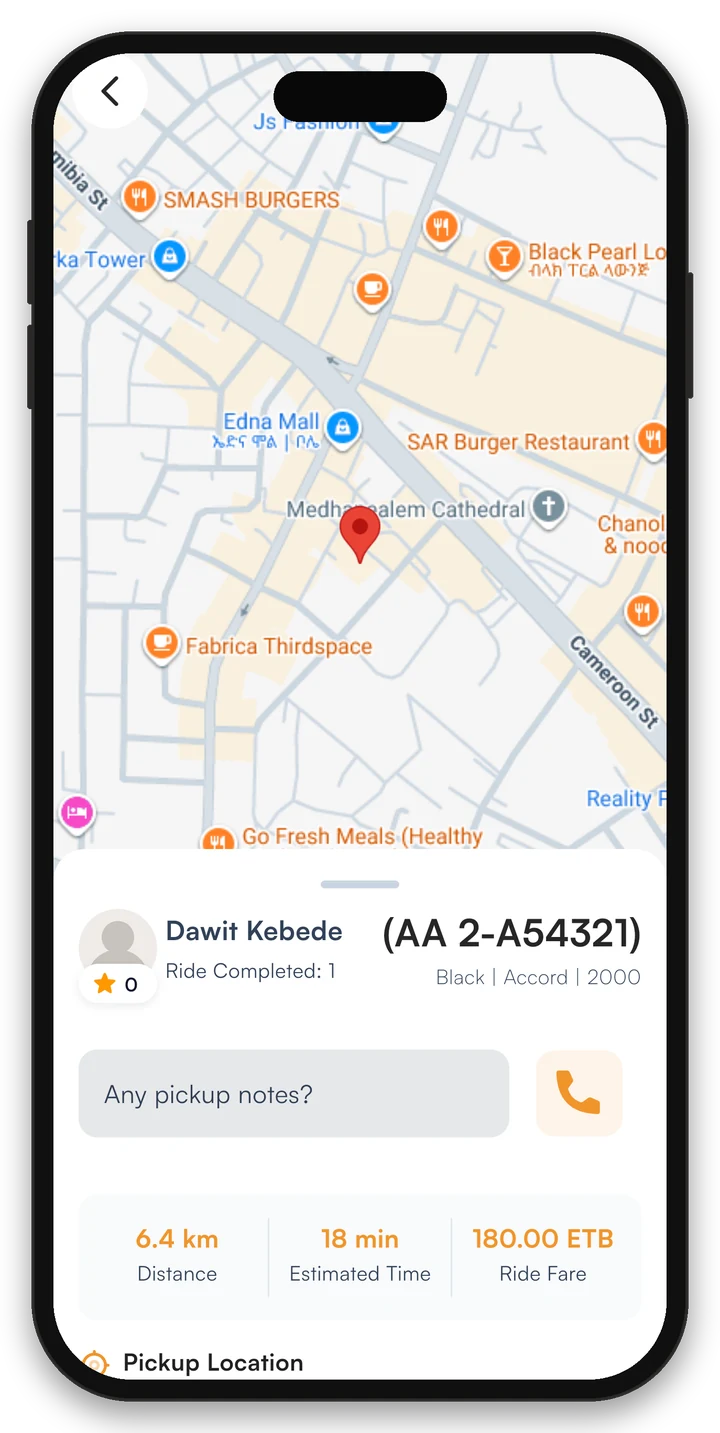
As soon as a driver accepts, you'll see them moving toward you on the live map. Share your trip with family for added safety.
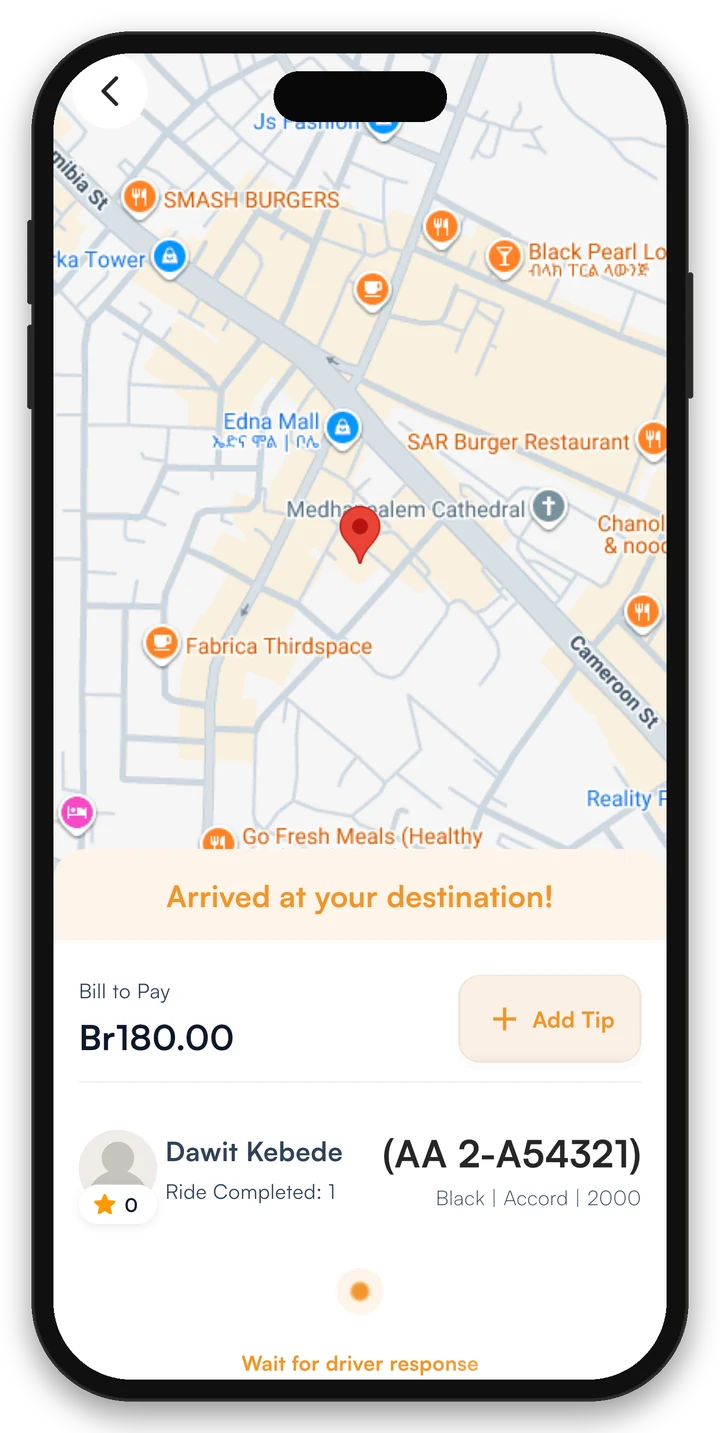
Settle the fare you agreed before the trip with cash or a digital payment option. Add a tip if you like and your receipt is ready instantly.
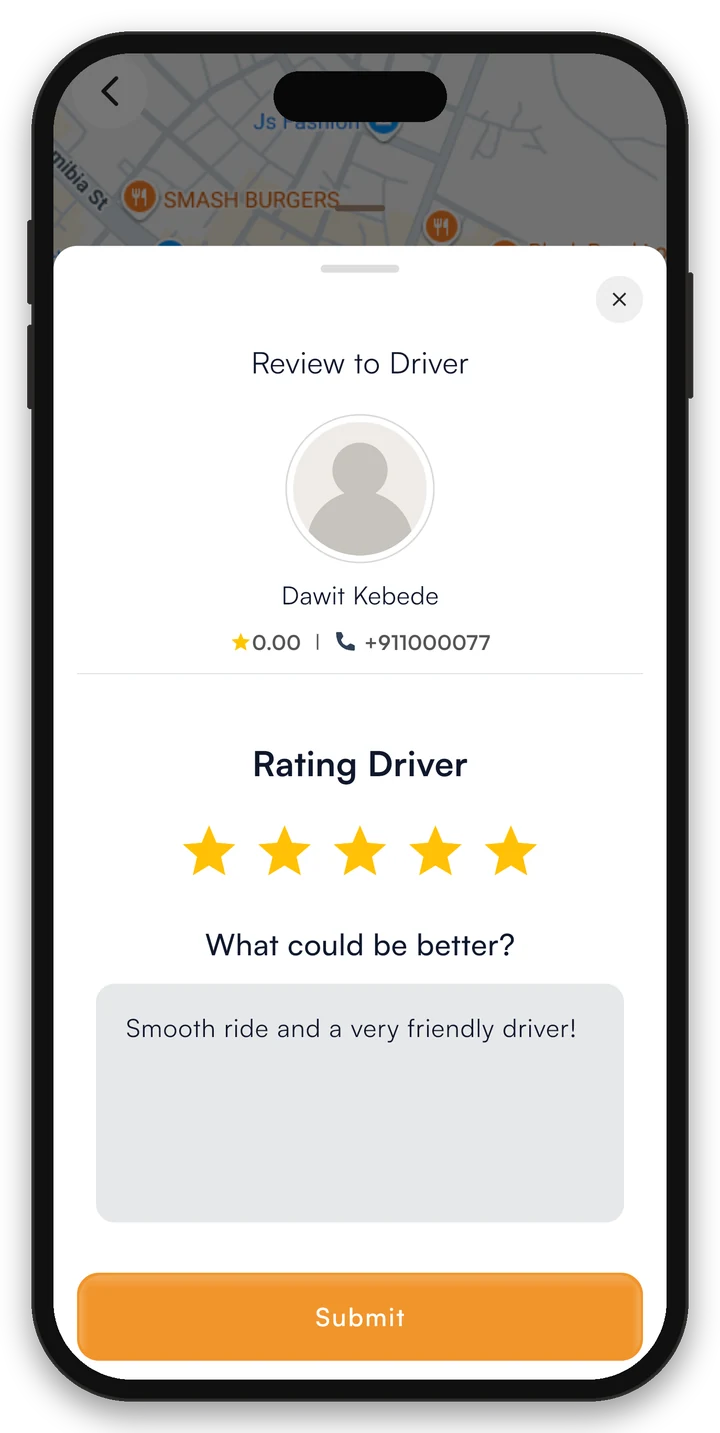
Your ratings keep our community high-quality. Leave a star rating, a quick tip, and a note — it takes 10 seconds and makes a real difference.
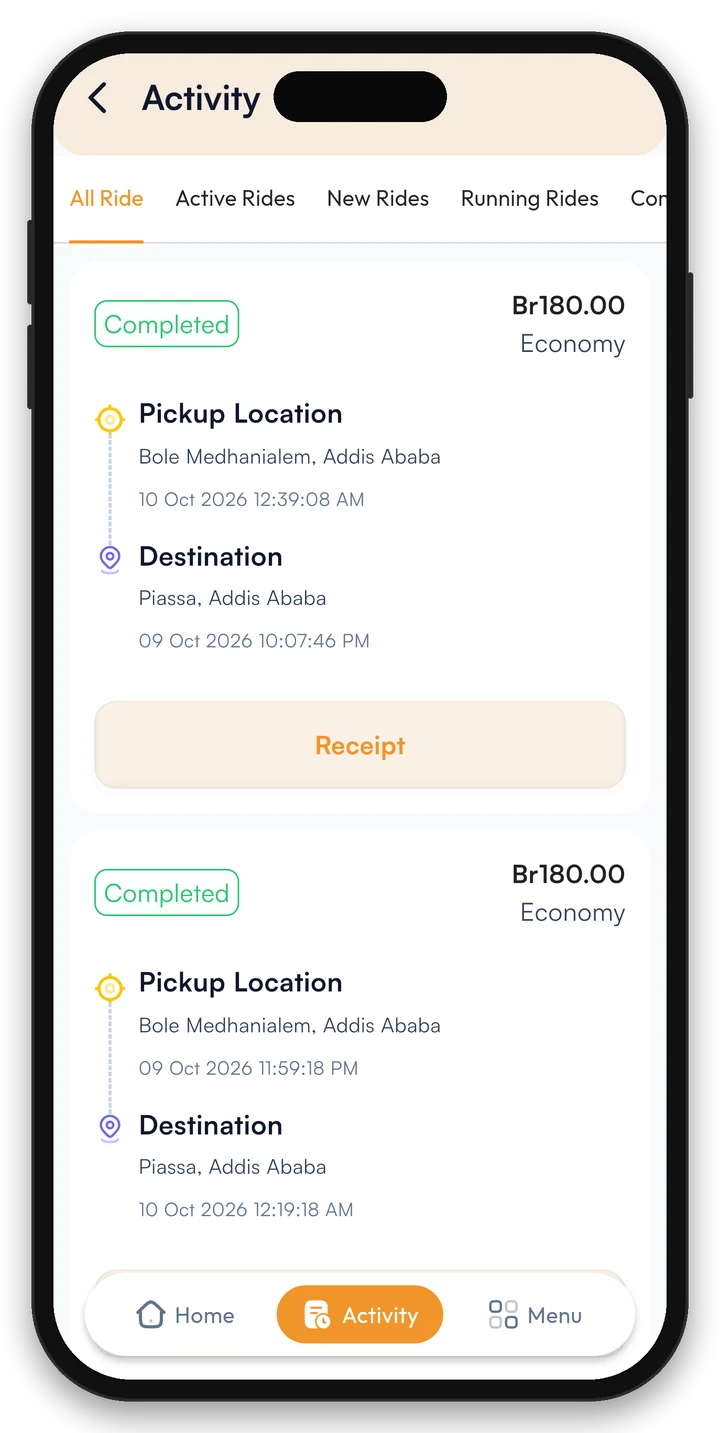
Stay organized with automatic, real-time receipts generated the moment your ride is completed, ensuring every trip is properly recorded and easily accessible whenever you need it.
Download Swift Rider to book rides, send parcels, order food and shop local, all from one app.